Add Vocals to Any Instrumental Online
Turn your instrumental into a complete song with InsMelo AI vocals, bringing your lyrics to life with natural, expressive singing that fits your sound.

Why Add AI Vocals to Instrumentals with InsMelo
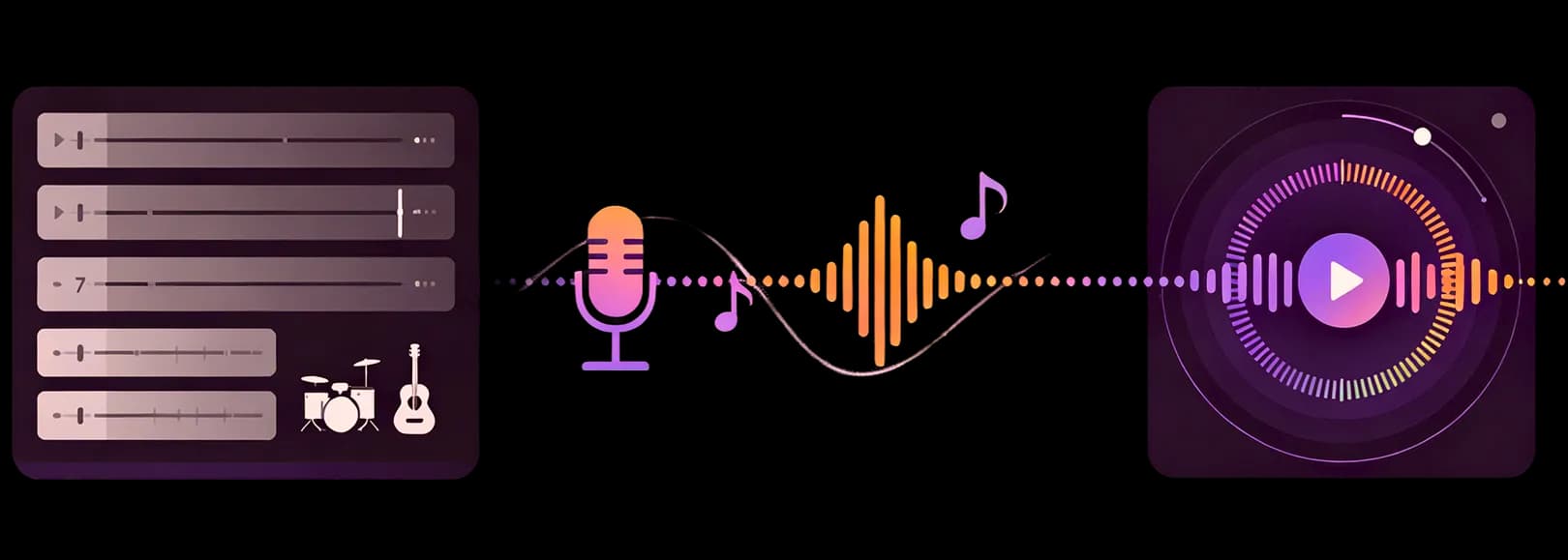
Explore how InsMelo AI Song Generator brings AI vocals into instrumental tracks while keeping the original song feeling intact. The result sounds more like a complete vocal track and less like a voice placed over a beat.
Add AI Vocals to Any Instrumental
Turn an instrumental into a fuller vocal song without losing the character of the original music. With InsMelo, add AI vocals to instrumental creation gives your track a voice that feels connected to the beat, melody, and atmosphere already in place, so the result sounds more like a finished song than a separate vocal layered on top.
Add AI Vocals to Instrumental NowBring Your Lyrics to Life
Lyrics can hold a strong idea, but they need musical movement to feel alive. This feature makes add vocal to music feel more expressive by turning written lines into singing that carries emotion, follows the track's feeling, and gives each phrase a clearer role inside the song. If you want to turn lyrics into a full song from scratch, try Lyrics to Song.
Add AI Vocals to Instrumental NowMatch Vocals to Your Music Style
The vocal direction should grow from the sound of the instrumental, not fight against it. InsMelo helps AI add vocals to instrumental music in a way that follows the track’s rhythm and mood, whether the song leans toward Cheer, R&B, Rap, EDM, FNF, or a softer acoustic sound.
Add AI Vocals to Instrumental NowNatural Singing That Fits Your Music
Great vocal results feel natural from the first listen, with the voice moving as if it belongs inside the track. With voice to music creation, the singing follows the flow of the instrumental and gives the song a more complete feeling while keeping the emotion of the original sound intact.
Add AI Vocals to Instrumental NowFast Vocal Generation for Creators
When a song idea is fresh, hearing it with a voice can change the whole direction of the track. You can add vocals to music online and explore a vocal version faster, keeping the creative moment alive without waiting for a full recording process.
Add AI Vocals to Instrumental NowNo Singer or Studio Needed
Vocal ideas should not always depend on finding a singer or booking studio time. InsMelo gives creators a simpler way to add AI vocals to my music, helping an instrumental move closer to a complete vocal song while keeping the creative process lighter and easier to continue.
Add AI Vocals to Instrumental Now
How to Add AI Vocals to an Instrumental
Learn how to add vocals to a music track with a simple online flow. Bring your instrumental, lyrics, and song direction together, then turn the idea into a vocal version that feels closer to a complete song.
1.
Choose Your Instrumental Source
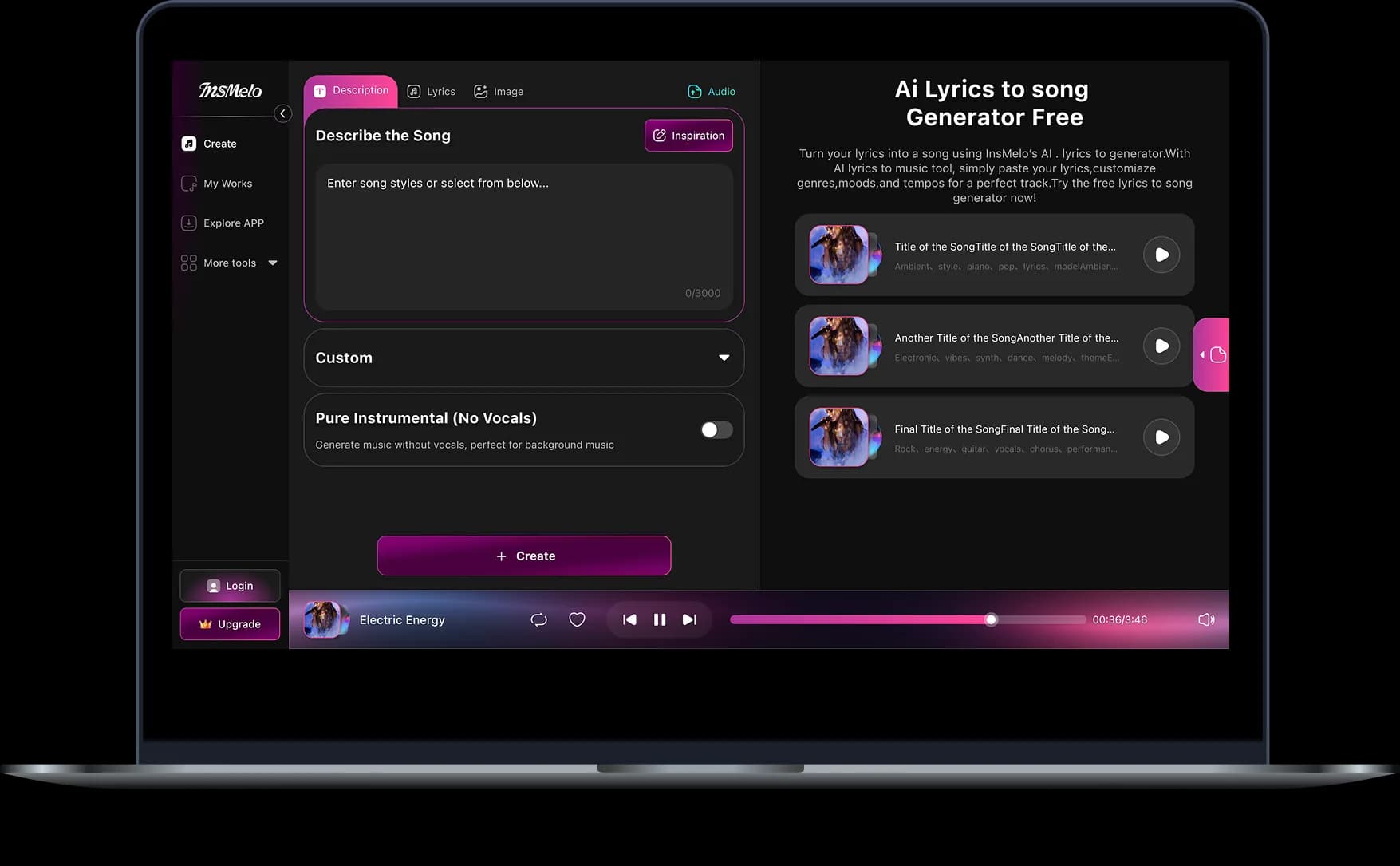
Open Accompaniment and bring in the track you want to shape. Upload Audio File lets you start fresh from your device, while Choose from history helps you continue from music you already created or saved in InsMelo.
2.
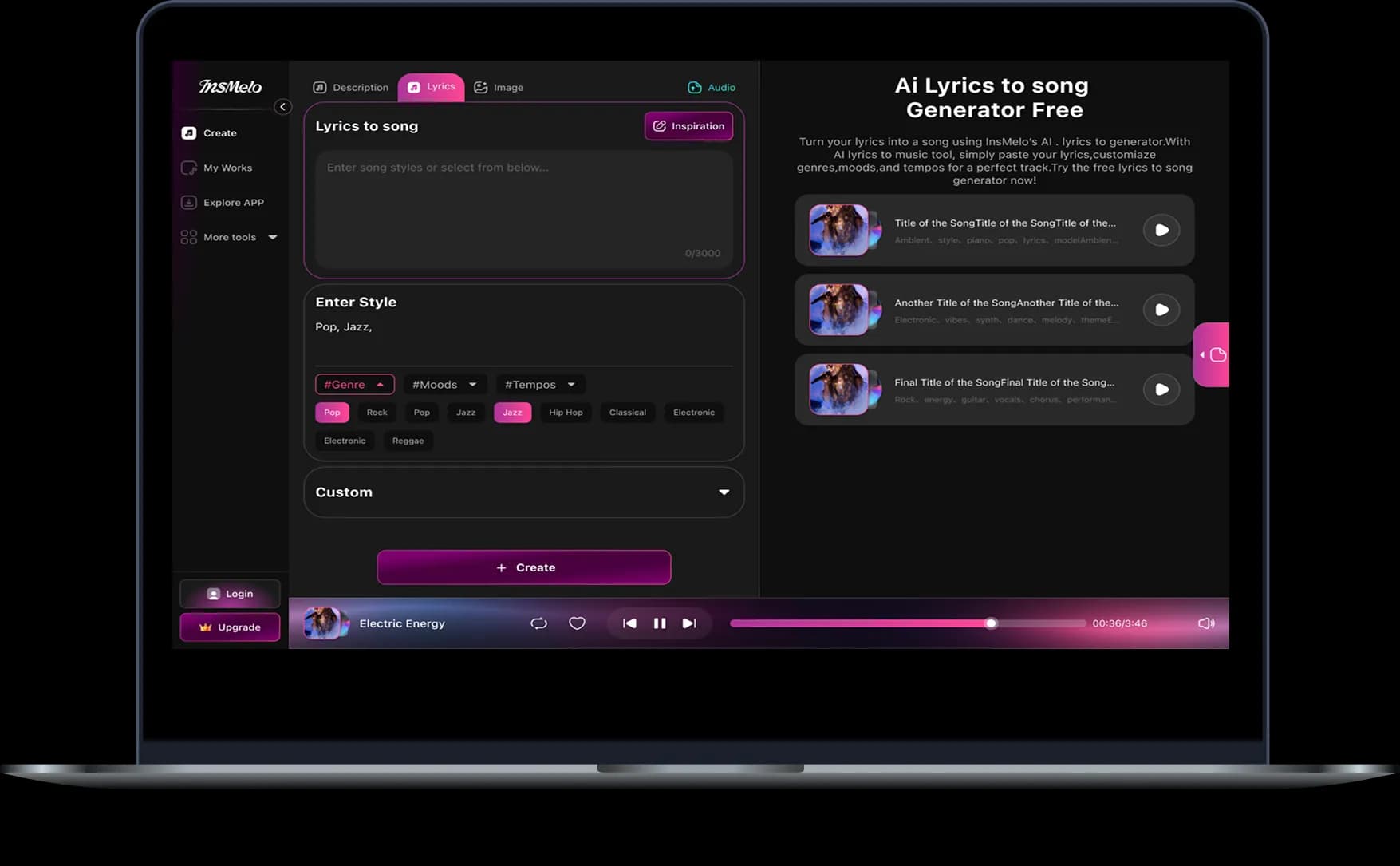
Add Lyrics and Vocal Direction
After selecting the track, adjust the start and end point if needed, then enter the lyrics you want AI to sing. You can also refine the song style, singer direction, and title so the generated vocals follow the mood of your instrumental more closely.
3.
Generate, Download & Share
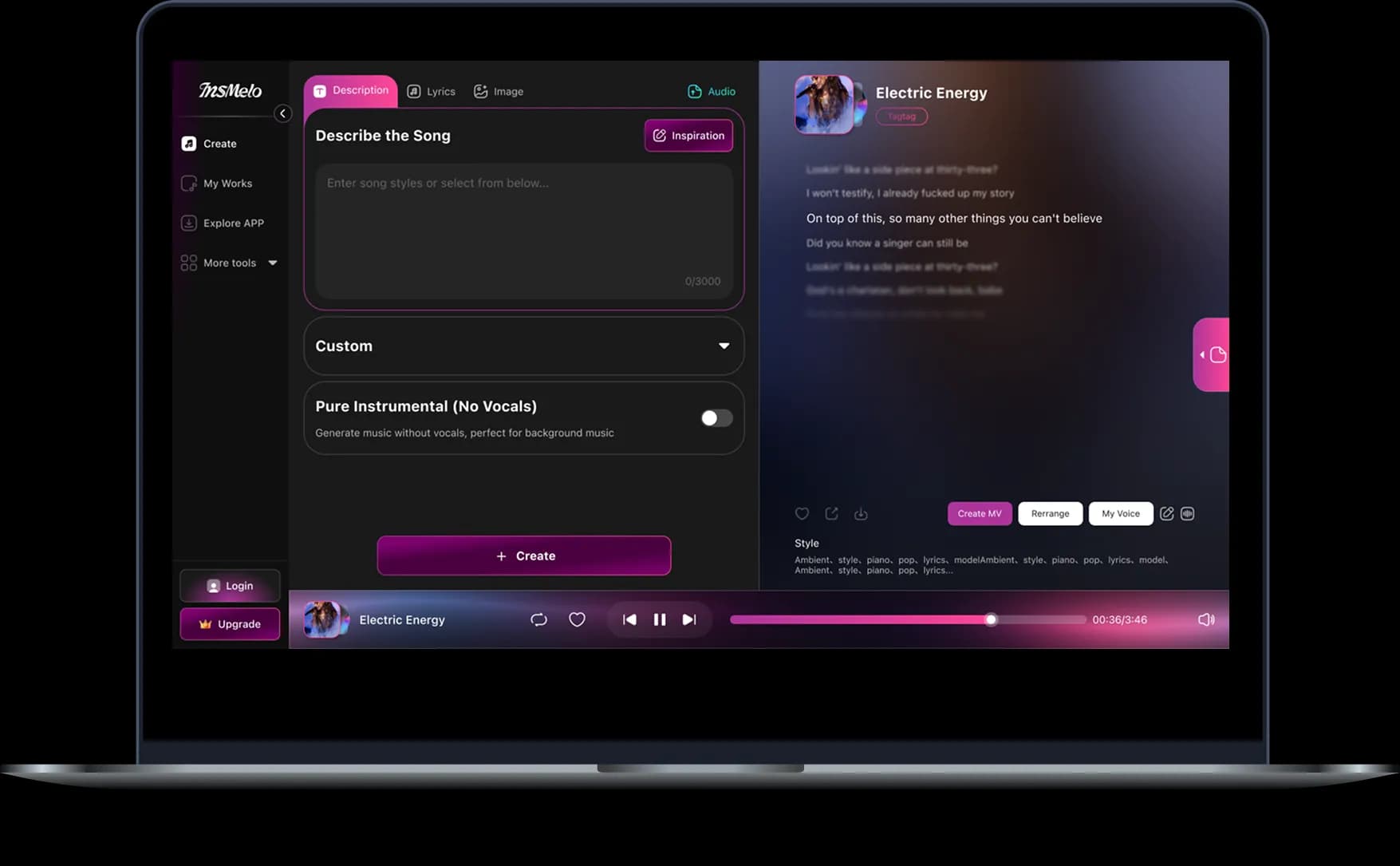
Click Create to generate the vocal version of your instrumental. When the result sounds right, download the finished song or share it with your audience.
Practical Uses for Adding AI Vocals to Instrumentals
From rough beats to song drafts, InsMelo AI Song Generator helps turn instrumental ideas into vocal songs that feel easier to finish and share. These use cases show how creators can add vocal to music online workflows in real music projects, not just as a quick effect.
Songwriters Building Demos
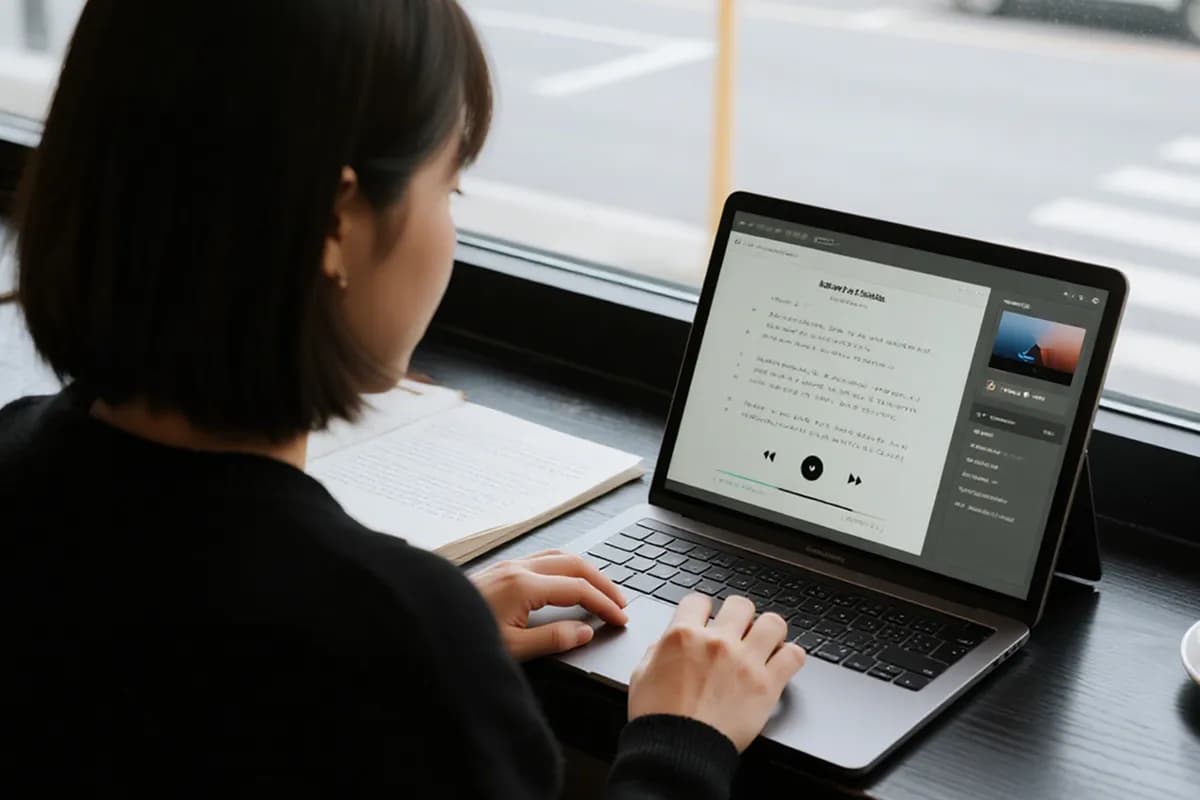
Your lyrics can feel different once they are heard with real music. Add vocal to music helps you turn written lines into sung demo ideas, making emotion, pacing, and chorus strength easier to judge.
What Creators Say About Adding AI Vocals to Instrumentals
See how creators describe the moment their instrumentals gained vocals, from hearing lyrics come alive to feeling a track finally turn into a song.
Lena Park
Songwriter
I got quiet during the first playback. There was one line I almost deleted, and hearing it sung with the instrumental made it hit completely differently. That was the moment I understood why people want to add vocal to music before judging a song idea.
Dante Moore
Hip-Hop Beat Maker
Honestly, I was ready to hate it. Then the vocals dropped in and caught the pocket better than I thought possible. The beat still felt like mine, just sharper and way more finished.
Maya Chen
Video Editor
I have never used a tool this smooth before. It understood my lyrics and instrumental so well that the result felt like we were working together. The vocals came in naturally, and the whole track suddenly felt complete.

4.8
User Rating
Marcus Reed
Music Producer
The chorus came in and I stopped the playback right there. My beat finally had a center. This is the first time add ai vocals to instrumental gave me something that felt close to a real song idea, not just a quick test.
Sofia Martinez
Content Creator
Using add vocals to music online made my video feel less like an edit and more like a small story. The song suddenly had emotion in the exact place where the visuals needed it.
Noah Williams
Bedroom Producer
A rough demo was all I expected. Instead, add vocal to music gave me a version I kept replaying because the lyrics actually sounded like they belonged there.
4.8
User Rating
Lena Park
Songwriter
I got quiet during the first playback. There was one line I almost deleted, and hearing it sung with the instrumental made it hit completely differently. That was the moment I understood why people want to add vocal to music before judging a song idea.
Dante Moore
Hip-Hop Beat Maker
Honestly, I was ready to hate it. Then the vocals dropped in and caught the pocket better than I thought possible. The beat still felt like mine, just sharper and way more finished.
Maya Chen
Video Editor
I have never used a tool this smooth before. It understood my lyrics and instrumental so well that the result felt like we were working together. The vocals came in naturally, and the whole track suddenly felt complete.
Marcus Reed
Music Producer
The chorus came in and I stopped the playback right there. My beat finally had a center. This is the first time add ai vocals to instrumental gave me something that felt close to a real song idea, not just a quick test.
Sofia Martinez
Content Creator
Using add vocals to music online made my video feel less like an edit and more like a small story. The song suddenly had emotion in the exact place where the visuals needed it.
Noah Williams
Bedroom Producer
A rough demo was all I expected. Instead, add vocal to music gave me a version I kept replaying because the lyrics actually sounded like they belonged there.
Lena Park
Songwriter
I got quiet during the first playback. There was one line I almost deleted, and hearing it sung with the instrumental made it hit completely differently. That was the moment I understood why people want to add vocal to music before judging a song idea.
Dante Moore
Hip-Hop Beat Maker
Honestly, I was ready to hate it. Then the vocals dropped in and caught the pocket better than I thought possible. The beat still felt like mine, just sharper and way more finished.
Maya Chen
Video Editor
I have never used a tool this smooth before. It understood my lyrics and instrumental so well that the result felt like we were working together. The vocals came in naturally, and the whole track suddenly felt complete.
Marcus Reed
Music Producer
The chorus came in and I stopped the playback right there. My beat finally had a center. This is the first time add ai vocals to instrumental gave me something that felt close to a real song idea, not just a quick test.
Sofia Martinez
Content Creator
Using add vocals to music online made my video feel less like an edit and more like a small story. The song suddenly had emotion in the exact place where the visuals needed it.
Noah Williams
Bedroom Producer
A rough demo was all I expected. Instead, add vocal to music gave me a version I kept replaying because the lyrics actually sounded like they belonged there.
Frequently Asked Questions
Find clear answers about adding vocals to instrumentals with InsMelo, so you can understand how the tool works before turning your lyrics and music into a complete vocal song.
InsMelo Accompaniment starts with an instrumental track from upload or history. Add the lyrics for the song, adjust the style direction if needed, and our feature turns those lyrics into sung vocals that follow the music.
Vocal Remover separates vocals from a finished song. Accompaniment does the opposite: it starts with instrumental music and creates sung lyrics over it, turning the track into a vocal song.
Yes. The Song Style field lets you guide the genre, mood, tempo, and overall feeling of the result. You can also use the Singer option to give extra direction for how the lyrics should be sung.
No. InsMelo is beginner-friendly, so even users with no music experience can turn an instrumental and lyrics into a great-sounding vocal song without dealing with a traditional studio setup.
Generation time can vary by track length and system load, but most songs can be created in a few minutes. Shorter, clearer inputs usually make the process feel faster.
Yes, as long as your InsMelo plan includes commercial rights. Always check the license terms for your account before using generated songs in monetized videos, streaming releases, ads, or client projects.
Yes, lyrics are needed because the vocals are sung from the words you provide. If you do not have lyrics ready, you can use AI Lyrics Generator as a starting point and edit them before creating the song.
Add AI Vocals to Your Instrumental Now
Turn the instrumental you already love into a complete vocal song with InsMelo. Let your lyrics find their voice and hear your music come alive in minutes.