AI Audio Compressor Online
InsMelo's advanced AI audio compressor reduces large audio files quickly while maintaining balanced and clear sound, supporting multiple formats and preserving the original tone of your recordings.

or drag and drop here
Max file size: 100MB

How to Compress Audio File Online
Compressing audio files is fast and straightforward with InsMelo. It supports multiple formats and handles large files efficiently. Follow three easy steps to process your files with audio compressor.
1.
Upload Your Audio File
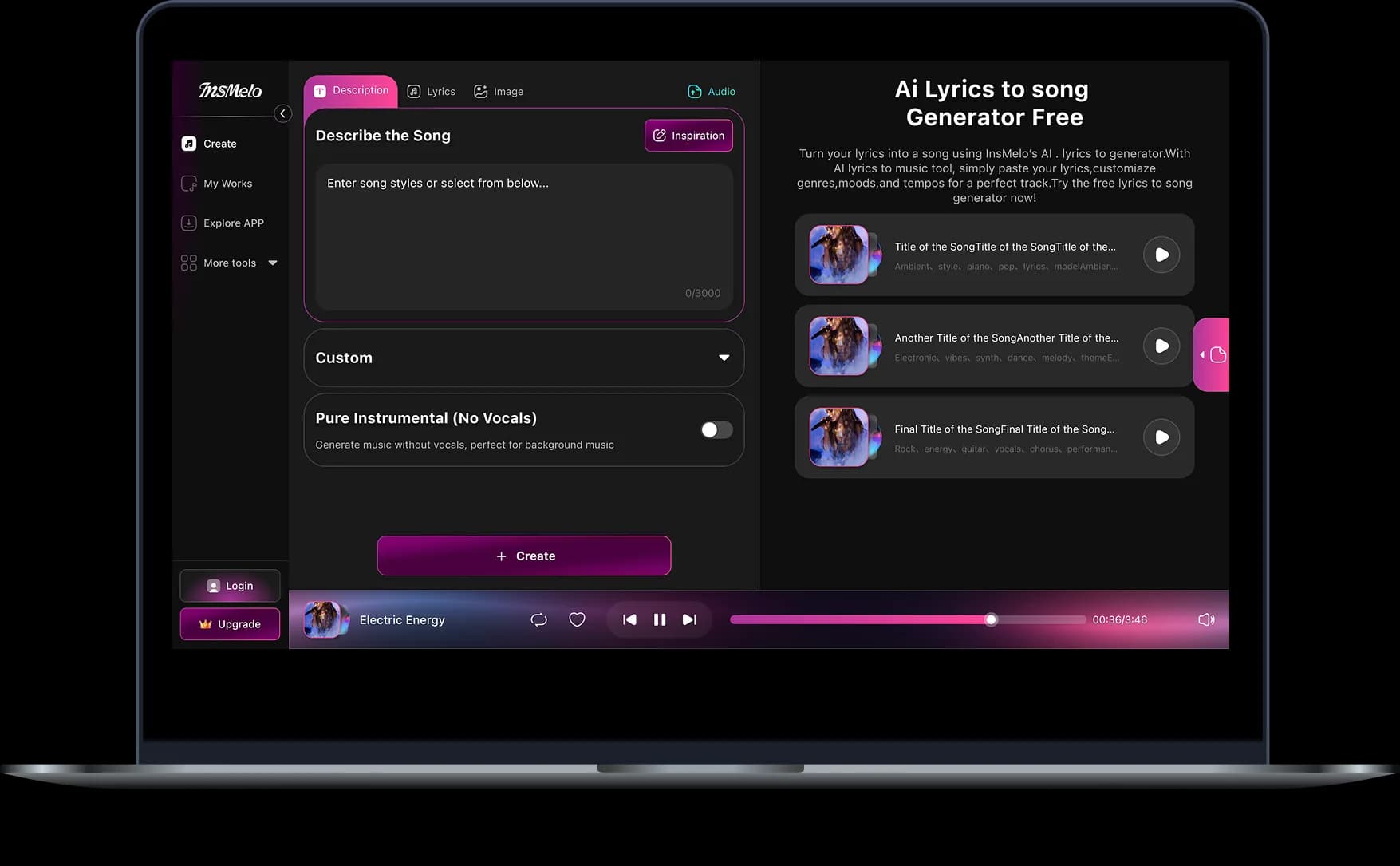
Select your audio from your device or drag it into audio compressor online. Multiple formats like MP3 and WAV are supported, keeping your audio clear and ready for compression.
2.
Choose Compression Level
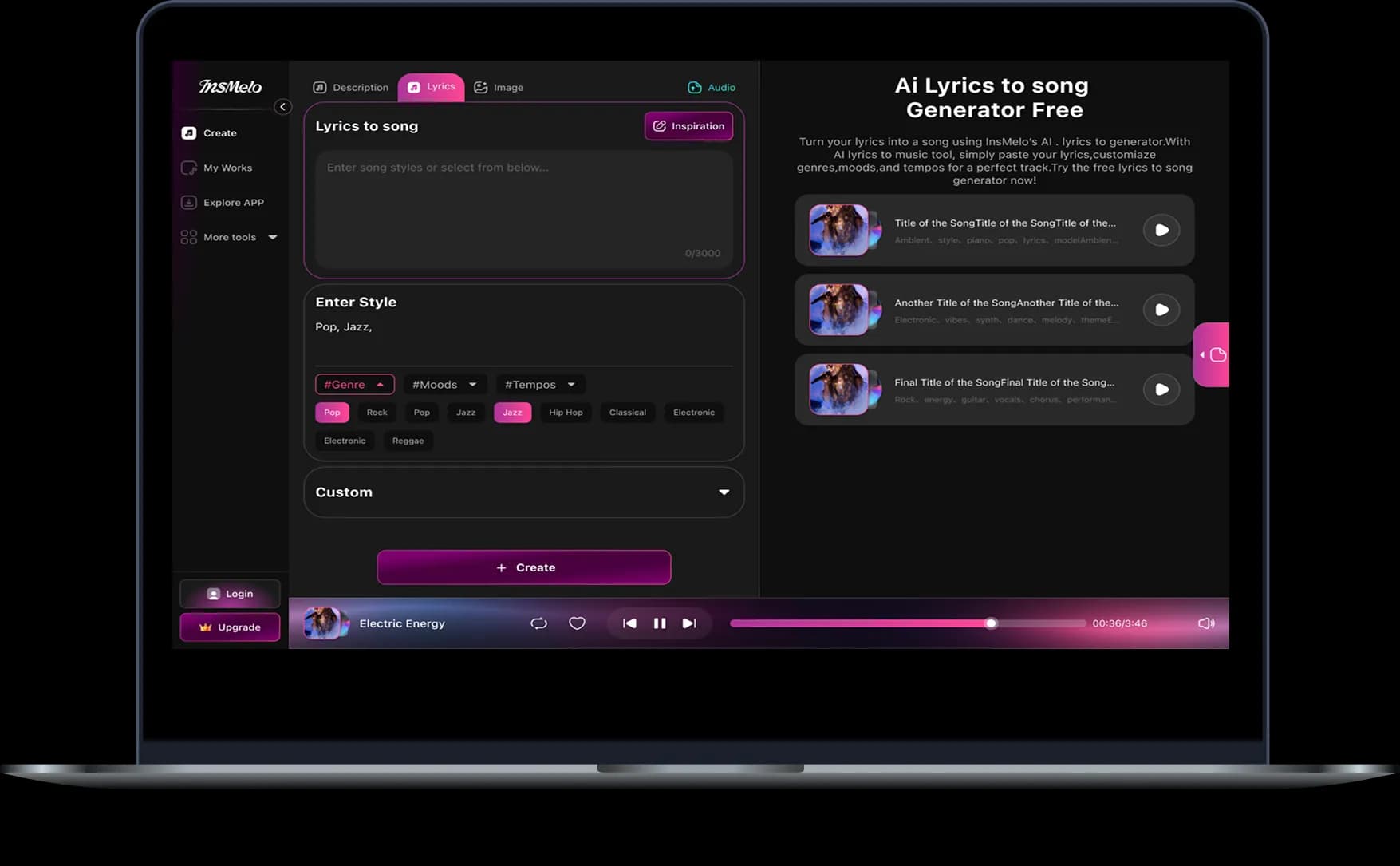
Adjust the compression level based on your needs. Lower sizes work well for sharing, while higher quality keeps more detail when reducing audio file size.
3.
Download Compressed File
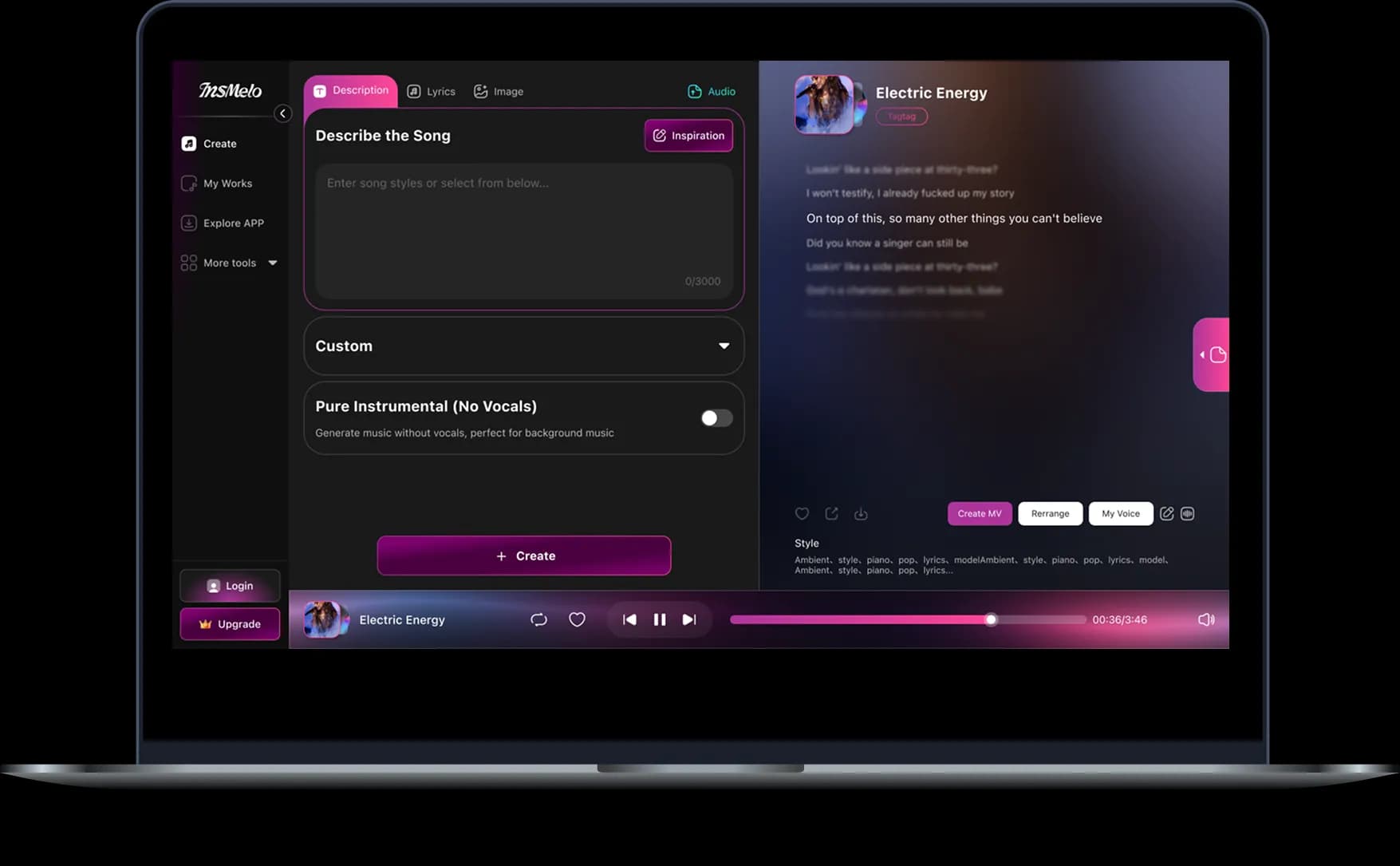
Our tool generates the result in seconds after you click the process button. You can preview the output and save it to your local storage immediately at no cost.
How InsMelo Audio Compressor Improves Your Audio
Reduce heavy music files in seconds while keeping original sound quality intact. InsMelo audio compressor turns bulky recordings into lightweight assets for any music project.
Supports Multiple Formats
Upload everything from raw studio sessions to mobile recordings to break format barriers instantly. Broad compatibility within InsMelo audio file compressor wav handles diverse file extensions for a smooth transition between different music editing platforms. Use our efficient audio converter to switch between MP3 and WAV before you finalize your project storage.
Try Audio Compressor NowHigh-Quality Output
Maintaining professional standards means a song sounds balanced across every speaker type, from car stereos to phone drivers. Using audio sound compressor to reach high-level output builds trust with users needing commercial-grade results.
Try Audio Compressor NowCustomizable Compression
Adjust bitrate and compression levels to strike the right balance between file size and listening experience. Precise control within compressor audio settings gives music creators power to optimize tracks for streaming previews, social media snippets, or high-quality demo sharing. Experiment with different settings to reach the specific target size required for your music platform.
Try Audio Compressor NowEasy-to-Use Interface
Start shrinking files instantly with InsMelo online audio compressor. Simple paths remove the need for confusing software or long setup steps. Big buttons and a clean layout turn music file management into a fun part of the creative day.
Try Audio Compressor NowFast AI-Powered Compression
Finish shrinking long songs in a heartbeat as AI audio compressor finds and removes unneeded data. Fast processing speeds up the work to help artists get music out to fans ahead of schedule. Smart engines work behind the scenes to deliver quick results without ruining the feel of the original song.
Try Audio Compressor NowSmooth Workflow Integration
Connect every stage of your music production by turning bulky exports into lean assets. Using InsMelo audio compressor to compress songs fits your files within strict email and messaging app limits for instant collaboration with bandmates.
Try Audio Compressor Now


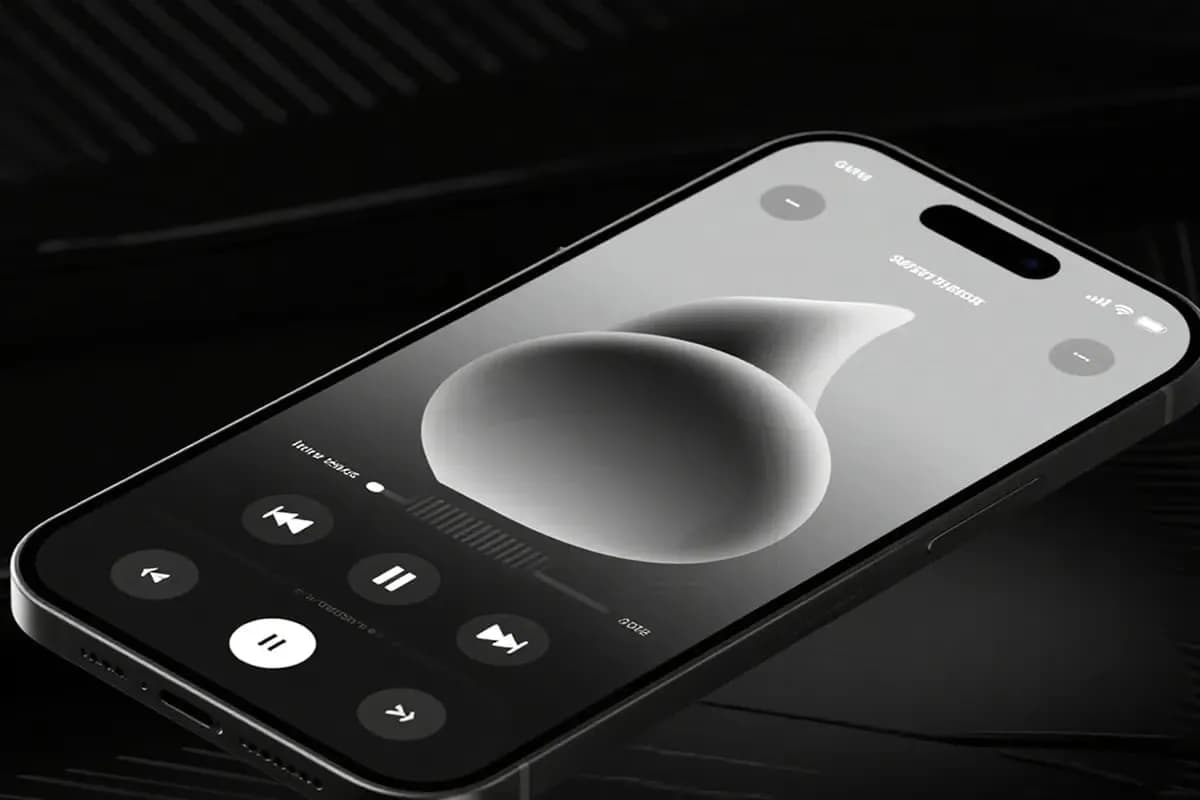


What You Can Do with InsMelo Audio Compressor
Turn heavy studio exports into lightweight files using InsMelo audio compressor. Users balance file size and sound quality perfectly for any distribution channel.
Music Track Compression
Transform heavy studio mixes into high-quality, shareable files with InsMelo audio file compressor wav. Fitting complex recordings into smaller packages helps independent artists distribute new tracks across streaming services and social media pages instantly.

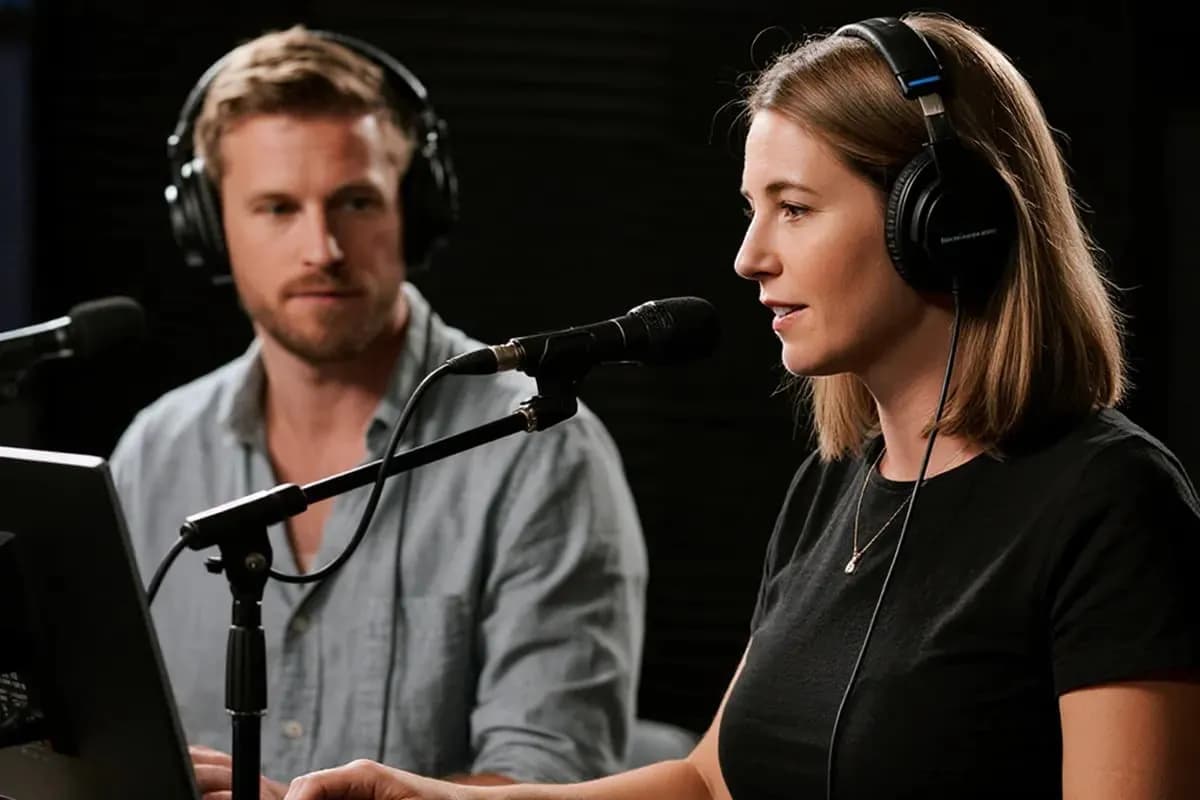



What Users Say
Thousands of music creators rely on InsMelo audio compressor to optimize their daily sound production. Learn how others reduce audio file size to streamline their creative workflows and distribution strategies.
Silas Thorne
Independent Music Producer
Preparing my latest studio album for major streaming services became a breeze after I found this audio compressor. It shrinks file sizes in seconds without damaging the crisp high-end of my drums or the warmth of the vocals.
Juno Sterling
Digital Content Creator
InsMelo audio sound compressor transformed my upload routine by condensing hour-long episodes into lightweight assets. My listeners now download high-quality episodes in half the time, even on slow mobile data.
Elara Vance
Indie Game Developer
Optimizing hundreds of sound effects through AI audio compressor cut my game's loading times in half. These efficient files prevent lag during intense combat sequences and maintain a high-fidelity experience for players.

4.8
User Rating
Cassian Gray
Singer-Songwriter
I send high-quality demos over messaging apps without hitting file limits since switching to InsMelo online audio compressor. Song ideas reach my bandmates instantly, bypassing long upload waits entirely.
Arlo Wick
Sound Designer
Reclaiming over 50GB of disk space was easy once audio compressor organized my massive sample library. I reduce audio file size for thousands of loops while keeping them ready for professional use.
Lyra Vance
Electronic Music Artist
Distributing live sets to social media platforms is no longer a challenge with the InsMelo audio compressor. This tool maintains the deep low-end and stereo width of my tracks while hitting the exact megabyte limits required for high-speed sharing.
4.8
User Rating
Silas Thorne
Independent Music Producer
Preparing my latest studio album for major streaming services became a breeze after I found this audio compressor. It shrinks file sizes in seconds without damaging the crisp high-end of my drums or the warmth of the vocals.
Juno Sterling
Digital Content Creator
InsMelo audio sound compressor transformed my upload routine by condensing hour-long episodes into lightweight assets. My listeners now download high-quality episodes in half the time, even on slow mobile data.
Elara Vance
Indie Game Developer
Optimizing hundreds of sound effects through AI audio compressor cut my game's loading times in half. These efficient files prevent lag during intense combat sequences and maintain a high-fidelity experience for players.
Cassian Gray
Singer-Songwriter
I send high-quality demos over messaging apps without hitting file limits since switching to InsMelo online audio compressor. Song ideas reach my bandmates instantly, bypassing long upload waits entirely.
Arlo Wick
Sound Designer
Reclaiming over 50GB of disk space was easy once audio compressor organized my massive sample library. I reduce audio file size for thousands of loops while keeping them ready for professional use.
Lyra Vance
Electronic Music Artist
Distributing live sets to social media platforms is no longer a challenge with the InsMelo audio compressor. This tool maintains the deep low-end and stereo width of my tracks while hitting the exact megabyte limits required for high-speed sharing.
Silas Thorne
Independent Music Producer
Preparing my latest studio album for major streaming services became a breeze after I found this audio compressor. It shrinks file sizes in seconds without damaging the crisp high-end of my drums or the warmth of the vocals.
Juno Sterling
Digital Content Creator
InsMelo audio sound compressor transformed my upload routine by condensing hour-long episodes into lightweight assets. My listeners now download high-quality episodes in half the time, even on slow mobile data.
Elara Vance
Indie Game Developer
Optimizing hundreds of sound effects through AI audio compressor cut my game's loading times in half. These efficient files prevent lag during intense combat sequences and maintain a high-fidelity experience for players.
Cassian Gray
Singer-Songwriter
I send high-quality demos over messaging apps without hitting file limits since switching to InsMelo online audio compressor. Song ideas reach my bandmates instantly, bypassing long upload waits entirely.
Arlo Wick
Sound Designer
Reclaiming over 50GB of disk space was easy once audio compressor organized my massive sample library. I reduce audio file size for thousands of loops while keeping them ready for professional use.
Lyra Vance
Electronic Music Artist
Distributing live sets to social media platforms is no longer a challenge with the InsMelo audio compressor. This tool maintains the deep low-end and stereo width of my tracks while hitting the exact megabyte limits required for high-speed sharing.
Elevate Your Sound with InsMelo More AI Tools
Audio compressor represents just a single part of the creative journey. With InsMelo's additional tools, you can transform your idea into original music, refine vocal tracks, and explore a vast collection of sound engineering possibilities.
Frequently Asked Questions
Audio compressor is a tool that narrows the volume range of a sound. It automatically turns down the loudest peaks and brings up the quietest parts, making the entire track sound more consistent and "thick."
Our audio compressor can shrink a raw recording by 70% to 90%. Converting a heavy, uncompressed WAV into a balanced MP3 or AAC via audio file compressor creates a massive difference in storage.
Keeping your creative work safe is a top priority at InsMelo AI Music Generator. Our online audio compressor uses end-to-end encryption to shield your tracks throughout the entire upload and download process. Once you finish a session, the system automatically wipes every file from the server to ensure your private demos or voice notes never stick around.
Yes, you can absolutely hit specific file limits with InsMelo audio compressor online. Manually adjusting the bitrate (kbps) within the interface gives you direct control over the final megabyte count.
There are four primary categories of an audio compressor: VCA, Optical, FET, and Tube. Each version provides a different sonic character for your tracks, and the InsMelo audio compressor maintains these high-end qualities while you reduce audio file size for storage or sharing.
AAC is generally recommended for better quality. While MP3 is the most famous audio sound compressor format, AAC is more efficient. It keeps more high-end detail and sounds clearer at lower bitrates, which is why most modern streaming apps and smartphones prefer it. If you need to change your output format later, our audio converter maintains high-end detail during the switch.
Absolutely. InsMelo free audio compressor works right in your mobile browser without requiring a separate app. Reducing audio file size directly on your phone makes it much faster to send song ideas or high-quality voice memos while you're away from your computer.
A typical 3-minute track processed by audio compressor usually lands between 4MB and 8MB. If you leave it uncompressed, that same song can easily top 50MB.
Audio Compressor Online - Reduce Your Audio File Size
Start using InsMelo audio compressor now to instantly reduce audio file size without losing a single detail of your sound.